
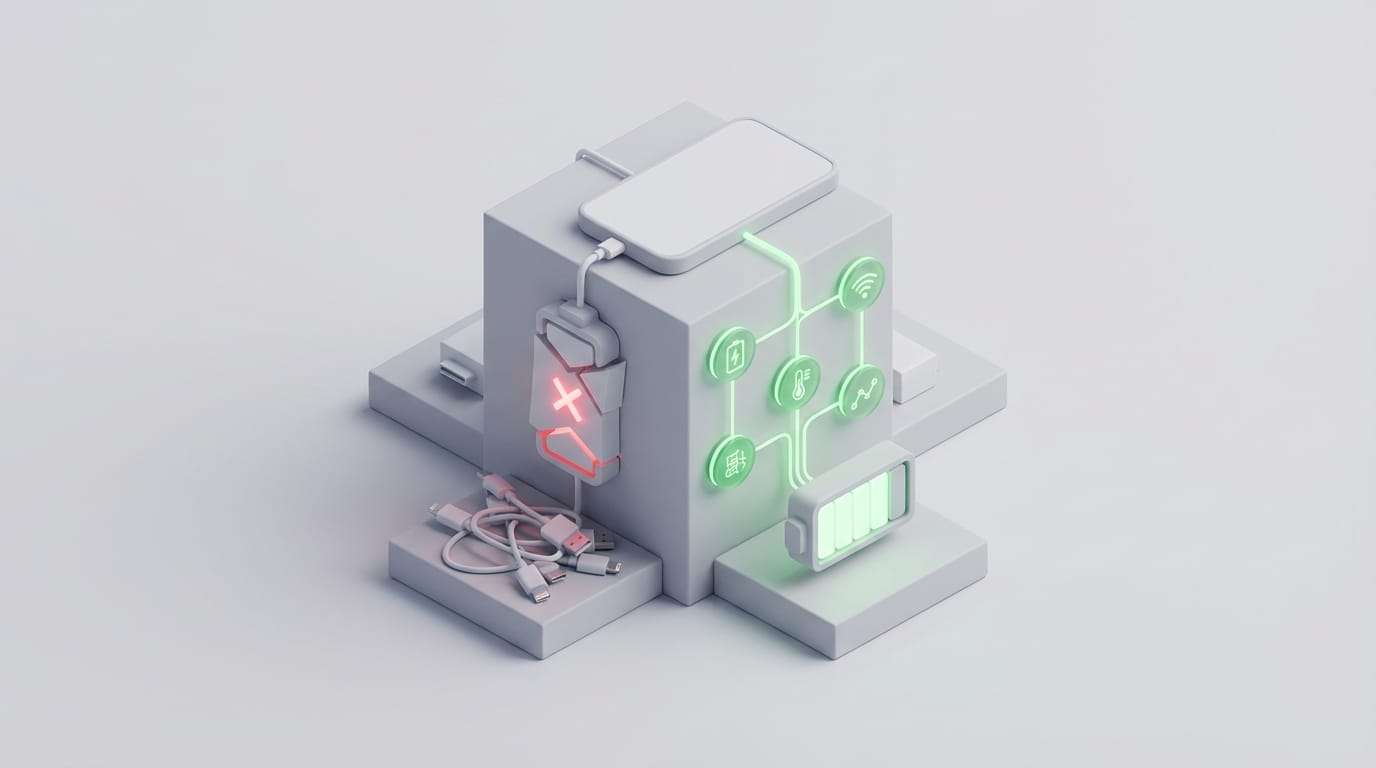
Misunderstanding how modern hardware works often leads to the spread of common smartphone battery myths that cause premature device failure. Many of these ideas started with old nickel batteries, yet applying those rules to modern devices shortens their lifespan. To protect your phone, you must understand the specific chemical systems that power it today. Battery health refers to the ability of a cell to hold a charge over time, which differs from battery life. Users often accidentally stress their devices by following outdated advice, leading to a permanent loss of capacity within two years. Shifting your habits toward stress reduction is the first step to making your hardware last longer. This requires looking past the myths to understand how lithium-ion cells behave in current devices.
Common Smartphone Battery Myths and Chemistry Realities
The move from nickel-based batteries to lithium-ion changed the rules of energy storage. Old nickel batteries had a memory effect where they would forget their full capacity if users did not drain them completely. In modern systems, the opposite is true; letting a battery hit zero percent is one of the most damaging things you can do to the chemistry. These cells store energy by moving lithium ions between two sides. Unlike older tech, lithium-ion cells do not develop crystals that limit capacity when partially charged. Most research into how batteries store and release energy shows that these ions prefer constant motion rather than being pushed to one side or the other for long periods.
Understanding Ion Stress and Voltage States
Charging a phone to 100% creates physical tension at the atomic level. If you think of a battery like a sponge, reaching a full charge is like trying to squeeze the last few drops of water into a space that is already full. This creates high voltage stress that breaks down the internal structure of the battery over time. Keeping your phone between 20% and 80% ensures the ions stay distributed in a way that lowers this chemical tension. This simple habit can double the number of charge cycles a battery can handle before it begins to fail.
The Reality of Overnight Charging and Power Management
A frequent concern is that leaving a phone plugged in overnight will cause it to overcharge. While this was once a risk, modern devices use smart power circuits that act as digital gatekeepers. Once the phone hits its limit, the circuit stops the charging process and runs the phone using power from the wall. However, overnight charging still creates a subtle problem called trickle charging. As the phone charge drops slightly, the charger kicks back in to top it off. This creates small cycles that keep the battery in a high-stress state for hours. To fix this, phone makers now use software that learns your schedule and holds the charge at 80% until just before you wake up.
Heat is the true enemy of a battery during overnight charging. Sustained warmth is the main cause of chemical breakdown in lithium cells. If you charge your phone under a pillow or inside a thick case that traps heat, you age the battery faster than the electricity ever could. High temperatures speed up the wear on the internal components, making it vital to keep the device in a cool, ventilated area while it is on the charger.
Why Closing Background Apps Often Increases Battery Drain
Many people swipe away apps to save power, but this is one of the smartphone battery myths that works against the phone. On a computer, open programs use more power, but mobile systems like iOS and Android manage memory differently. When you leave an app, the system freezes it in a state that uses almost no power. The app sits in the memory ready to start again instantly. Resuming a frozen app takes very little energy compared to starting one from scratch.
CPU Spikes During App Startup
If you force-close an app, the system has to wipe it from the memory. When you open it again, the processor must work much harder to load the code and restart connections. This causes a spike in power use and generates heat. Analysis from TechRadar suggests that the power needed to reload an app often outweighs any savings gained by clearing it. This is why native mobile apps are built to stay suspended. Understanding how mobile apps vs web apps vs PWAs change your experience helps explain why these systems are designed to manage themselves without user help. The only time you should close an app is if it is frozen or using GPS in the background.
Impact of Wireless Connectivity on Energy Consumption
There is a long-standing belief that turning off Wi-Fi and Bluetooth will save a lot of battery. Modern wireless chips are now so efficient that they use almost no power when they are not sending data. Leaving Wi-Fi on is usually more efficient than using cellular data alone. Wi-Fi uses less power to maintain a connection and move data compared to cellular radios that must reach towers miles away. Wi-Fi also helps with location services by identifying nearby routers, which means your phone does not have to use the power-hungry GPS chip as often. Studies on network energy consumption show that a weak cellular signal is the biggest cause of battery drain because the radio has to boost its power to stay connected.
Environmental Factors and Fast Charging Risks
Temperature is the most critical factor in the smartphone battery myths debate. Lithium-ion batteries work best between 15°C and 35°C. Going outside this range causes immediate damage to the internal chemistry. Heat is dangerous because it speeds up internal reactions that build up resistance inside the cell. Research published in Nature shows that raising the temperature even slightly can speed up the rate at which components break down. Fast chargers can make this worse by pushing high amounts of current into the phone quickly, which creates heat. While these chargers are safe, it is better to avoid using them when you are not in a rush to reduce thermal stress.
Cold temperatures also pose a risk, though the effects are usually temporary. Cold increases internal resistance, making it hard for the battery to provide power. This is why phones often shut down unexpectedly in the winter. Once the battery warms back up, its capacity usually returns. This is different from the permanent loss caused by heat, which can never be reversed.
Habits for Maximizing Battery Lifespan
To move past smartphone battery myths, you should adopt a strategy of shallow charging. Instead of waiting for the phone to die, give it short charges throughout the day to keep it in the 20% to 80% range. This is the most effective way to slow down the aging process. Many users find that proven ways to extend smart home battery life, such as lowering brightness and managing background refreshes, work better than worrying about exact percentages. Software maintenance also helps keep things running. If your battery percentage jumps around, the internal gauge might need to be reset with a single full charge cycle. Beyond that, the best thing you can do is keep the phone cool and avoid using heavy apps while it is charging. You can also learn why restarting works to clear out stuck processes that drain power.
Treating your battery as a part that responds to physical stress will change how you use your phone. By avoiding heat and staying within a healthy charging range, you can keep your device performing like new for much longer. Your phone is a smart system designed to manage itself, but it is still limited by chemistry. While software can stop major failures, it cannot stop the physical wear from high voltage and heat. Understanding these limits helps you make better choices for your hardware. As technology changes, the best habit is to stay skeptical of old advice that no longer fits the modern world.