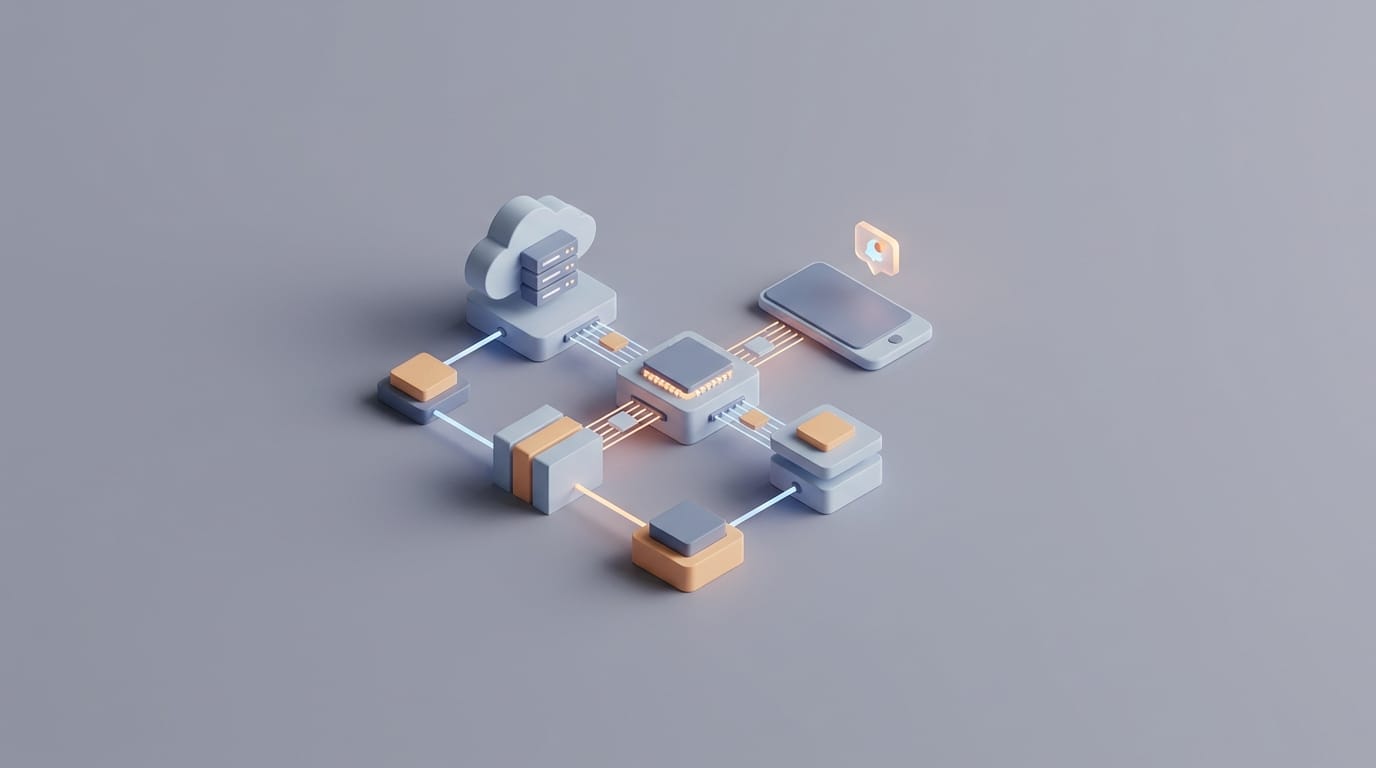
Success at the server level rarely guarantees that a user sees a notification. Modern operating systems use aggressive battery management and focus filters that often block incoming alerts. To build reliable systems, engineers must look past the initial message relay. They must understand that how push notifications work involves a complex negotiation between the server, the mobile software, and the physical constraints of the device itself.
Technical architects often face the “silent failure” problem. Logs might show a successful delivery status, yet the user receives nothing. This gap exists because gateways like Apple’s APNs or Google’s FCM only confirm they received the message for delivery. They do not confirm that the device actually displayed it. Between the gateway and the screen, the message faces power-saving modes, network issues, and custom user filters.
Reliability matters more than ever. If a system handles security codes, emergency alerts, or transaction updates, a three-second delay counts as a failure. Navigating these constraints requires a deep understanding of the transport layer and the persistent socket connections that mobile phones use. Engineers must also use specific flags to bypass the gatekeeping of current mobile platforms.
The Architecture of a Push Notification Request
A notification begins with a three-party handshake between the client device, the operating system gateway, and the application server. Most web requests involve a client pulling data, but push notifications use a model where the server starts the contact. Since mobile devices change IP addresses and sit behind firewalls, a server cannot talk to a phone directly.
The Role of the Application Server
The application server acts as the director of the process. When a message is sent or a security alert triggers, the server finds the right users. It does not message the phone directly. Instead, it sends a structured request to a Push Service Provider. Apple uses the Apple Push Notification service (APNs) while Android uses Firebase Cloud Messaging (FCM).
Servers talk to these gateways through a secure HTTP/2 connection. This protocol is efficient because it handles many requests over a single connection, which cuts down on the work of repeated handshakes. The server also uses security tokens or certificates to prove it has the authority to send messages to that specific app.
Structuring the Notification Payload
The payload is the packet of data sent to the gateway. It holds the message body, sounds, and badge numbers. One key part is the Time to Live (TTL) value. This tells the gateway how long to store the message if the phone is offline. A security code might have a TTL of 60 seconds, while a social update could last hours. Once the TTL expires, the gateway deletes the message to save space.
The server also needs a device token. This is a unique address from the OS given to the app when it first registers for alerts. These tokens are not permanent. They change if a user resets their phone or reinstalls the app. If a database holds old tokens, the gateway will fail to deliver the message. Cleaning out these dead addresses is a core task for any backend team.
How Push Notifications Work Through Persistent Sockets
Mobile devices stay reachable without killing the battery by centralizing connections. If every app had its own connection to its own server, the hardware would never sleep. Instead, the OS keeps one low-power connection to the cloud gateway. This single pipe carries data for every app on the phone. Because the OS manages this, it can optimize when the radio wakes up. When data arrives, the OS wakes the specific app and shows the alert.
Maintaining this socket requires a heartbeat signal to ensure the connection is still alive. If a user moves from a Wi-Fi network to a cellular network, the OS must quickly fix the connection. This handoff is where many notifications get lost or delayed. Gateways use specific protocols to keep high-priority messages at the front of the line, according to Apple’s technical documentation on APNs.
Differences in Gateway Management
Apple and Google manage their gateways with different rules. Apple is more restrictive with payload sizes and provides less data about what happens once a message leaves their server. Google offers more feedback but faces challenges with the variety of Android hardware. Different manufacturers often add their own battery-saving layers that can interfere with the standard delivery path.
To understand how these systems interact with hardware, it helps to look at smartphone battery myths and how they spread. Many of these ideas come from a lack of knowledge about how the OS manages background tasks and radio power to handle push data without draining the battery.
Why OS Level Gatekeepers Suppress Delivery
Even if a packet reaches the phone, it may never appear. Modern systems treat battery life and user attention as limited resources. They use built-in gatekeepers to stop notifications without telling the sending server. Android uses a system called Doze Mode. This puts phones in a deep sleep when they are still with the screen off. Messages stay in a queue until the phone wakes up for a maintenance window unless the message has a high-priority tag.
Android also sorts apps into buckets based on how often someone uses them. If an app is rarely opened, the OS limits its ability to wake the phone for an alert. This is why marketing messages often seem to disappear on Android devices while security codes, which use high-priority channels, arrive instantly.
On the iOS side, Focus Modes allow users to hide alerts based on their activity. A message might reach the phone, but the OS keeps it silent in the Notification Center without lighting up the screen. iOS also uses levels like Passive, Active, Time Sensitive, and Critical. Time Sensitive alerts can break through filters, but they need special permission from Apple. Critical alerts are for health and safety and can ignore the physical mute switch on the phone.
Managing Latency for High Stakes Triggers
For those managing multi-factor authentication, speed is everything. In these cases, you must set priority levels for each message. On FCM, a high-priority flag tells the system to wake the device immediately. Apple uses a similar priority flag to move messages to the front of the queue.
These flags are not a shortcut for every message. If an app sends too many high-priority alerts that users ignore, the OS may stop trusting that app. High-priority messages reach the device within 500ms in most cases, as shown in Google’s FCM performance benchmarks. For lower priority messages, this time can stretch into minutes or hours if the device is in a deep sleep.
Small payloads also move faster. Architects should keep requests small and avoid sending large images in the initial packet. Instead, send a small trigger with a unique ID. The app can then fetch the heavy data after it wakes up. This works well with silent pushes, which refresh app data in the background without bothering the user. This approach hides the delay of the mobile network from the person using the app.
Implementing Reliable Delivery Verification
Since gateways do not send read receipts, developers must build their own systems to verify delivery. The app should send a confirmation back to the server the moment it receives an alert. This is done using a background service on the phone. By comparing sent logs to these receipts, companies can see their actual delivery rates. This data helps find problems with specific phone models or network carriers.
If a security code is not confirmed within fifteen seconds, the system can try sending an SMS instead. This multi-channel plan ensures the system stays reliable even if one method fails. Managing this is as vital as smart home Wi-fi troubleshooting for keeping a system functional. You must find exactly where the signal is failing to keep the whole network healthy.
Cleaning out old tokens is also a requirement. Apple and Google provide error codes when a token is no longer valid. Integrating these errors into your database keeps the system clean and prevents wasted resources. You can also use silent pushes to prepare data before a user even sees the alert. If a new document arrives, a silent push can download it so it is ready when the user taps the screen, creating a faster experience.
The Evolution of Reachability
Understanding how push notifications work shows that delivery is a matter of chance, not a guarantee. As systems focus more on privacy and power, the gatekeepers will get smarter. Future phones might use on-device learning to decide which alerts are worth showing based on habits and context. This means an alert that is important in the morning might be blocked in the evening.
The focus for developers must shift from simply sending messages to managing reachability. This means using priority flags wisely and tracking every receipt from the phone. By treating the process as a conversation with the phone rather than a one-way command, you can keep your systems reliable as the software grows more discerning. The best architecture is one that prepares for the moment the operating system treats a high-priority flag as a suggestion rather than a rule.