
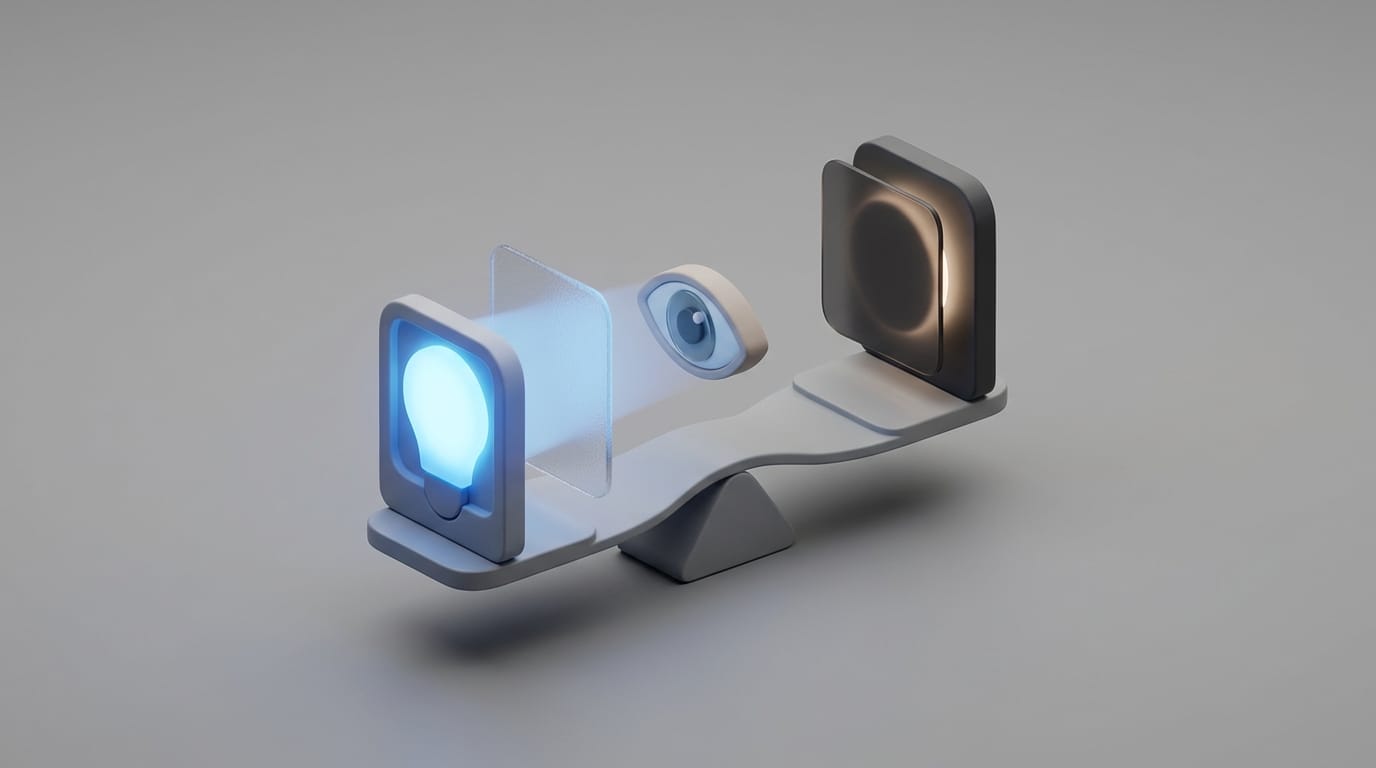
While many people switch to dark mode to protect their vision, this choice often causes the headaches and blurred vision they hope to avoid. The assumption that inverting a screen’s color palette creates a gentler experience is common, yet it often overlooks how the human eye processes light. Understanding dark mode eye strain requires looking past the interface and into the physical responses triggered by high-contrast digital displays.
The move toward dark themes represents a major shift in software design, but for many professionals, it introduces new visual hurdles. By looking at the biology of the eye and the physics of light, we can clarify when this feature helps and when it causes fatigue. This transition involves trade-offs between physical comfort and how we perceive detail in different lighting environments.
The Biology of Dark Mode and Pupil Dilation
To understand the impact of display themes, we must look at how the eye adapts to light. Vision relies on different photoreceptors depending on the environment. Cones help us see color and detail in bright light, while rods take over in near-darkness. When you use dark mode, your eyes operate in a middle ground that forces a specific response from your iris.
In a dark interface, the lack of overall light causes the pupil to dilate. While this allows more light into the eye, it also reduces the depth of field, similar to a camera lens with a wide aperture. With a dilated pupil, the eye works harder to focus on the small, high-contrast characters of the text. This constant adjustment of the ciliary muscles is a primary cause of dark mode eye strain.
Dilated pupils also increase spherical aberration. This phenomenon occurs when light rays entering the edges of the lens do not hit the same focal point as rays entering the center. It creates a slight blur around the edges of white text on a black background. For a look at how similar systems adapt to stress, you can explore how the biology of sitting affects your metabolism through physiological feedback loops.
The Myth of Blue Light Protection in UI
Many users choose dark themes to reduce blue light exposure. While dark mode reduces the total amount of light hitting the retina, it does not change the color spectrum of the hardware. Blue light is a high-energy frequency emitted by the LEDs in your screen. Switching to dark mode reduces the quantity of light, but the remaining white or grey text still contains the same blue light peaks as it would in light mode.
Software-based filters like “Night Shift” are more effective for this purpose because they adjust the color temperature and shift the spectrum toward warmer wavelengths. This distinction matters because blue light suppression of melatonin depends more on the frequency of light than the total brightness. In terms of efficiency, the impact of dark mode depends on your hardware.
On an LCD screen, the backlight stays on at a constant intensity while liquid crystals attempt to block the light to create black areas. OLED displays are different because they can turn off individual pixels, leading to genuine energy savings. If you want to know how hardware limits affect software, our guide on smartphone hardware constraints and software obsolescence provides deeper context on these technical trade-offs.
Why Dark Mode Eye Strain Worsens Astigmatism Symptoms
The most overlooked factor in this debate is the astigmatism paradox. Astigmatism is a refractive error caused by an irregularly shaped cornea, and it affects nearly half of the global population. For these individuals, dark mode is often worse for reading and focus.
The problem stems from halation. When white text sits on a pitch-black background, the light from the characters bleeds into the dark surrounding area. For an eye with astigmatism, this effect is stronger. The irregular curvature of the eye scatters the light as it enters, creating a foggy halo around every letter. This makes text appear to shimmer, which triggers an involuntary squint.
In light mode, the iris stays constricted because of the higher ambient light. This constriction acts like a pinhole, which masks refractive errors and provides a sharper image. If reading in dark mode gives you a dull ache, your cornea’s shape is likely fighting the design. For professionals, knowing how to enable Microsoft Office dark mode can help you test these effects across different apps to see what works for your vision.
Readability and Information Retention
Studies on display polarity consistently show that dark text on a light background is better for fast reading and long-term memory. Research from the MIT Media Lab suggests that reading speed is faster in light mode compared to dark mode, with higher comprehension scores. The human brain is optimized to decode dark shapes against a bright horizon.
When we see black text on a white page, the contrast is high and the white space provides a clear boundary. This allows the brain to identify character shapes with minimal effort. Decoding white text on a black background requires more neural work to separate the signal from the noise, especially when characters are small or fonts are thin. This increased cognitive load leads to faster mental exhaustion.
While dark mode might feel modern, it forces the brain to spend more energy on the act of seeing, leaving less for understanding. This is similar to the productivity trap where the tools we use to work faster end up creating more friction. You can see this pattern in our analysis of why new software creates productivity hurdles.
Matching UI to Ambient Light Conditions
The best way to use dark mode is to synchronize it with your environment. Digital eye strain is rarely caused by the screen alone (it is caused by the contrast between your screen and the room). If you sit in a bright office, using dark mode creates a massive disparity that forces your eyes to adjust constantly between the bright desk and the dark monitor.
Using light mode in a black room creates glare, where the screen acts as a blinding light source. This is why navigation systems switch to dark mode after sunset. It keeps your pupils at a consistent level so you can look from the screen to the road without delay. The best strategy for most professionals is to enable automatic switching based on sunset times.
This ensures you benefit from the legibility of light mode during the day and lower brightness at night. For those with high-resolution setups, ensuring your display settings are crisp is also vital. See our guide on macOS HiDPI scaling for 4K monitors to eliminate text blur that makes dark mode eye strain worse.
Better Strategies for Reducing Digital Fatigue
If your goal is to eliminate dark mode eye strain, changing your theme is only one part of the solution. Ocular health is often more about habits than software toggles. One major issue with screen use is the reduction in your blink rate. Humans typically blink about 20 times per minute, but this rate can drop by 60% when focusing on a screen, leading to dry eyes.
To build a better workflow, consider these ergonomic adjustments:
- The 20-20-20 Rule: Every 20 minutes, look at an object 20 feet away for 20 seconds. This allows the muscles in your eye to relax from a near-focus state.
- Font Sizing: Increasing your font size and line height often reduces strain more than changing the color palette. If the text is large enough to read easily, the blur of dark mode becomes less disruptive.
- Workstation Lighting: Use a light strip behind your monitor to reduce the contrast between the screen and the wall. This provides a buffer for your vision that minimizes the strain of pupil dilation.
Vision is highly individualized. While dark mode offers battery savings and a sleek look, it is not a universal health feature. For people with astigmatism or anyone doing heavy reading, light mode remains the best choice for clarity. By matching your settings to your environment and recognizing the limits of your own vision, you can maintain focus without persistent fatigue. The most comfortable system is the one that requires the least amount of physical and mental adjustment.