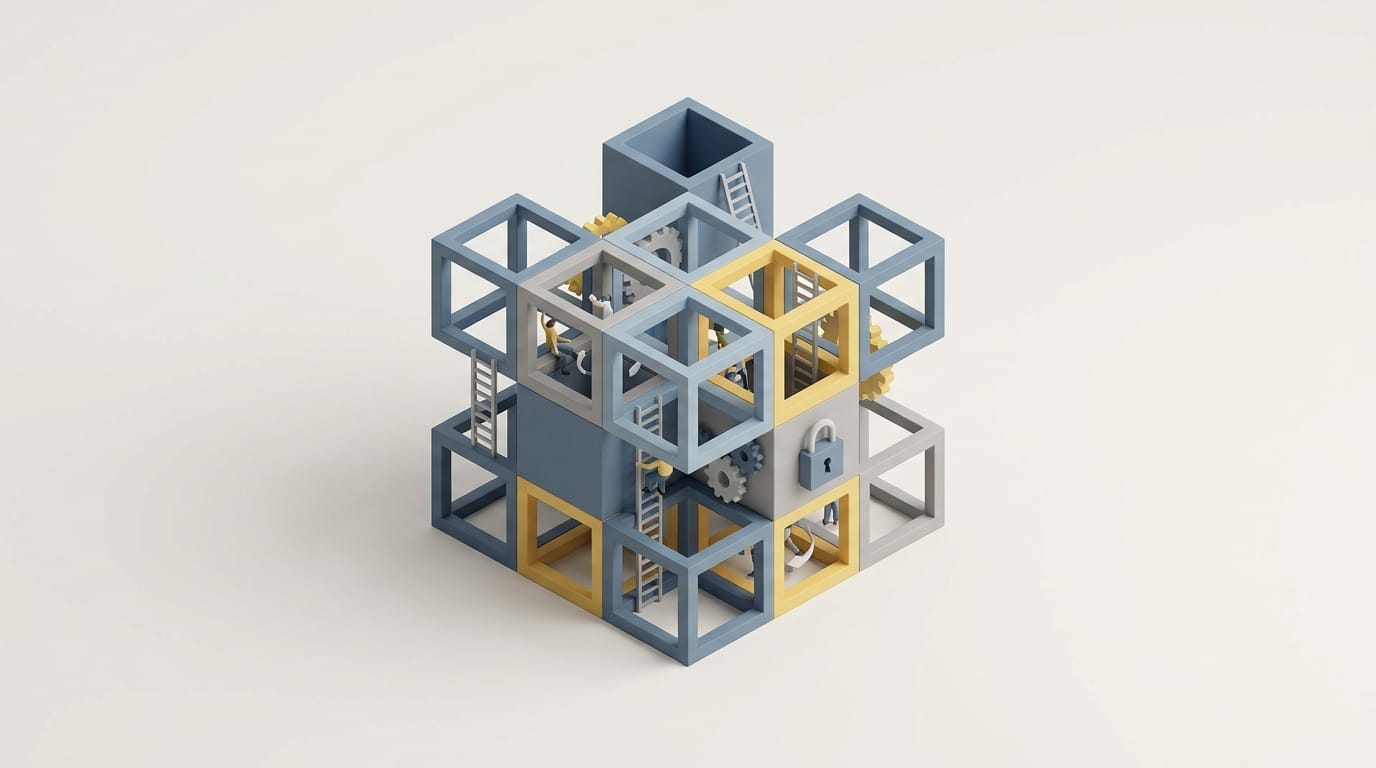
Most professionals spend more time refining their organizational systems than doing the tasks those systems track. This imbalance creates a subtle productivity trap where the act of management replaces the act of creation. Instead of moving projects forward, we move pixels and labels; we convince ourselves that a sorted database equals real progress.
The logic behind modern task software seems sound because externalizing responsibilities should free up mental space. However, these systems often become so complex that they demand their own maintenance schedules. When a tool requires more energy than the work itself, the system fails. Understanding this requires looking past the clean look of a digital dashboard to see how our brains use tools to avoid hard work.
Why We Mistake Organization for Progress
The False Security of the Master List
Planning work differs from doing work. When you list a task, your brain often treats that act as a partial completion. This creates false security; the list feels like a controlled space where you have handled everything, even if you have finished nothing. These lists often become dumping grounds for every stray thought, turning a manager into a digital attic. Without a way to filter these items, you stop managing time and start curating a museum of things you might do. You can find better ways to handle these lists in our guide on how to digitalize daily tasks and build a smarter workflow effectively.
How Digital Tools Mimic Achievement
Software designers trigger dopamine through small interactions like a “ping” or a progress bar. These features provide a hit of achievement that encourages us to seek out minor, low-value tasks just to check them off. This mimicry masks the absence of meaningful output. If you spend a morning clearing fifty emails and moving cards on a board, you feel tired and busy. Yet, if those actions did not move a core project forward, you simply engaged in high-speed treading water. This cycle is a primary driver of the productivity trap for the modern professional.
How the Zeigarnik Effect Controls Your Attention
The Cognitive Load of Unfinished Tasks
The Zeigarnik Effect describes how people remember uncompleted tasks better than finished ones. In a digital space, this often shows up as constant background anxiety. Every red notification or overdue reminder represents an open loop that your brain tries to process. When a task manager holds hundreds of items, the mind stays in a state of high alert. This load reduces your ability to focus because part of your mind scans for the next obligation. People remember interrupted tasks 90% better than completed ones, according to research on the Zeigarnik Effect; this explains why long lists feel so heavy.
Why Digital Reminders Create Mental Noise
We use reminders to stop ourselves from forgetting, but this creates a tax on our attention. Every notification that interrupts your focus forces a switch that takes over 23 minutes to recover from, according to research on workplace context switching. The cost of jumping between different apps is a measurable drain on your brain power. These reminders often fail because they lack context; they tell you what to do but not if you are in the right place to do it. A reminder to write a proposal that pops up while you are driving is just an interruption that triggers stress without providing a path to finish the job.
How the Procrastination Paradox Leads to a Productivity Trap
Optimizing Systems as a Form of Avoidance
The Procrastination Paradox suggests that we use organization to defer the stress of execution. Deep work is difficult and brings a risk of failure; in contrast, fixing a database or testing a new app is safe and feels productive. We optimize our systems specifically to avoid the work they should facilitate. This is a sophisticated form of stalling. If you spend hours setting up automations to save five minutes a week, you are choosing a low-resistance path over a high-resistance one. This pattern often stems from loss aversion psychology, where we fear losing time on real work so much that we hide in the safety of our tools.
High Resistance Work vs Low Resistance Sorting
Every task has a resistance level. Writing a difficult report or coding a new feature requires intense focus. Sorting that same task into a priority folder has almost no resistance. The productivity trap happens when we spend our best energy on low-resistance sorting, which leaves us too tired for the hard work later. If you find yourself cleaning up your task manager multiple times a week, you are likely avoiding a project that scares you. The system becomes a shield against the work, turning you into an administrator of your own potential rather than a creator.
Why Feature Rich Software Often Sabotages Focus
The Complexity Tax of Modern Tools
Modern apps offer databases, sub-tasks, and infinite nesting. While these features are powerful, they impose a complexity tax. Every time you decide which tag to apply or which property to update, you use up your daily decision-making budget. This leads to fatigue over time. The more a tool can do, the more it demands from you. High-end software often forces you to become a power user just to maintain a basic list. This creates meta-work, which is the work of managing the tool itself. If you need a manual to understand your own notes, your system adds to your stress. For those who want to simplify, it is often better to learn how to organize your life with notion using basic blocks instead of complex setups.
How Infinite Customization Leads to Fatigue
Infinite customization stops execution. When a tool lets you change every color and layout, it becomes a sandbox for play rather than a vehicle for work. This constant desire to tweak the system prevents it from ever reaching a steady state of use. Simple systems often work better because they provide fewer distractions. A paper notebook has no updates or plugins, so it remains a surface for recording thoughts. As software continues to grow, it often adds bloat that makes it harder to use. You can see this pattern in our analysis of how software platform evolution changes your favorite apps over time.
Building a Functional Workflow Beyond the App
Prioritizing Architecture over Software Choice
A productive workflow is an architectural problem. The container you use matters less than the flow of information. If your logic for choosing work is flawed, moving to a new app will not fix it. You will just bring bad habits to a new screen. Architecture involves setting boundaries; you must decide where a task lives and when you will review it. By focusing on these structural questions, you build a system that lasts. Currently, context switching costs the economy billions in lost productivity, according to studies on workplace technology. Reducing this cost starts with unified logic, not a new subscription.
The Power of Narrowing Your Daily Scope
The best way to fight the productivity trap is to use a Rule of Three. Instead of looking at a master list of fifty items, commit to three tasks for the day. This constraint forces you to do the hard work of prioritizing. It acknowledges that your time and energy are limited. While some methods suggest capturing every thought, this often leads to digital clutter. A better approach uses a filter to record only what is necessary. If a task is not worth the effort to write down, it is probably not worth the effort to do. This keeps your workflow from becoming paralyzed by too many options.
Moving from Constant Organization to Actual Execution
Setting Boundaries for Your Productivity Tools
To reclaim focus, you must set strict rules for your tools. Limit system maintenance to ten minutes at the start and end of the day. Outside of those times, use the tool only for quick reference. If you find yourself fiddling with a dashboard in the middle of the afternoon, recognize it as a sign that you are avoiding a difficult task. No app can remove the inherent difficulty of hard work. The feeling of an unproductive day is often just the feeling of doing something meaningful but slow. No amount of scheduling will make a complex problem feel like a series of easy clicks; the tool is just a map for the terrain you must walk.
Embracing the Friction of Meaningful Work
True productivity requires moving from a collector mindset to a creator mindset. A collector focuses on saving articles and organizing lists, while a creator focuses on writing code and making decisions. Successful people let their systems be good enough so they can spend their energy on the work. Execution is messy and involves friction. When we try to remove all friction with software, we often remove the tension required to build something of value. The goal is a system that supports your life without becoming your life. By recognizing the productivity trap, you can stop serving the tool and make the tool serve you.
The systems we use reflect our anxiety about control. We over-organize because we fear the unpredictable nature of creative work. Yet, the best system is not an app; it is a set of habits that prioritize doing over the appearance of order. If your current tools make you feel like a manager of lists rather than a maker of things, strip the system back to its foundation. Real work happens in the unorganized space between the checkboxes. Your setup should help you face that space rather than giving you a way to look the other way.