Principles of Next-Gen Wireless Charging and Power Systems
You need a steady flow of power to stay productive. In the past, bad charging tools caused problems. They hurt your battery life. They also made it hard to move your gear. Engineers made next-gen wireless charging to fix these gaps. This new tech makes charging easy and precise. It creates a better way for your tools to get power. Today is January 12, 2026, and these systems are now the standard for work.
For years, power tools were split. You used wires for speed. You used pads for ease. You often needed special gear for both. Now, a new system is here. It uses magnets and new parts to work together. Your power stays the same. It does not matter if you use a cable or a pad. The logic inside the charger stays the same.
The Move to Universal Power Standards
From Many Parts to One System
In the early days of phones, brands made their own chargers. Every phone had a different plug. This created a lot of trash. It also made users angry. A pro setup needed many parts. You had a brick for your laptop. You had a specific cable for your phone. You had a dock for other tools. This was a failure in design. Each part needed its own factory. Each part had a short life.
Now, we see that power is a utility. It is like water or gas. It is not just a feature of one brand. The industry now uses shared rules. These rules are USB-C Power Delivery and the Qi2 standard. The focus is no longer on the plug. Instead, the focus is on the talk between the charger and the tool. One hub can now handle a big laptop. It can also charge small earbuds. It does this without sending too much power. This keeps your gear safe from heat.
How One System Helps Your Office
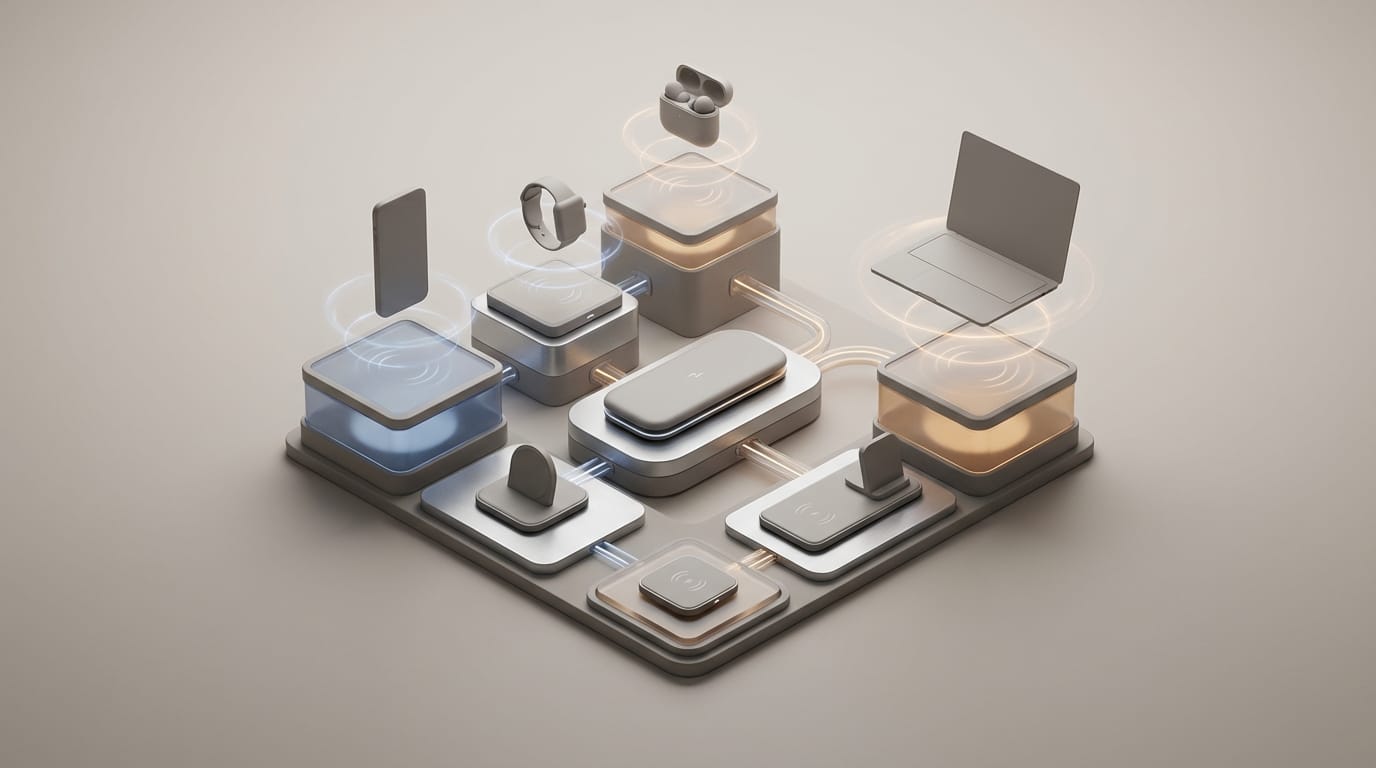
A universal system blends wired and wireless paths. In this model, next-gen wireless charging does not work alone. It is one part of a fast power hub. This setup removes the need for extra parts. You might place your phone on a magnetic pad. That pad is part of your monitor stand. The pad and the monitor share one power source. They use a high-capacity supply. This supply also feeds your laptop through a USB-C cord.
This plan reduces the number of times we change power. Every time you change power, you lose energy. This energy turns into heat. We now use Gallium Nitride (GaN) blocks to change power. These blocks are very efficient. We send that power out using smart rules. This makes your workspace better. For IT pros, this means fewer parts will break. It makes cable management simple. You can change your gear without changing your wires.
How Next-Gen Wireless Charging and Qi2 Work
Magnets and Charging Efficiency
The main problem for old wireless pads was alignment. Wireless pads use a coil to send power. This coil creates a magnetic field. This field makes power move in a second coil inside your phone. But there is a catch. The coils must line up perfectly. If they are off by a few millimeters, power is lost. This lost power turns into heat. Heat is the main enemy of your battery.
The Wireless Power Consortium fixed this. They made the Magnetic Power Profile. This is the heart of the Qi2 standard. It uses a ring of magnets. These magnets pull the coils into the right spot. They lock the phone to the charger. This ensures a perfect fit every time. Now, 15W charging works much better. Less energy is lost to the air. More power goes into your battery.
Managing Heat During Fast Charging
Heat is the biggest limit for wireless power. Wires have metal-to-metal contact. This has very low resistance. Wireless power must pass through glass or plastic. This traps heat. The heat stays between the pad and the phone. If the phone gets too hot, it will slow down. It might drop from 15W to 5W. It might even stop charging to save the battery.
New systems fix this with smart talk. The Qi2 rules allow the phone to talk to the charger. The phone tells the charger how hot it is. The magnets also help. They reduce “stray” fields that cause heat. This keeps the phone cool. You get fast charging for a long time. You do not see the “start and stop” pattern of old tools. This protects the health of your device over many years.
GaN Tech and Multi-Device Hubs
Why GaN Is Better Than Silicon
For a long time, silicon was the main material for chargers. But silicon has limits. It cannot handle too much heat or speed. Gallium Nitride (GaN) is a newer material. It can handle much higher voltage. It can also switch power much faster than silicon. For you, this means smaller chargers. These chargers also stay cooler.
GaN tech makes a next-gen wireless charging hub possible. It allows a small box to power many tools at once. GaN parts do not need huge metal heat sinks. They do not need big plastic shells. This is why 100W chargers are now tiny. You can fit one in the palm of your hand. Five years ago, this was not possible. Silicon was too bulky for this job.
Managing Power in Small Hubs
Building a hub is not just about adding ports. You must build a smart network inside the box. When you plug in many tools, the hub must decide. It must split the total watts. For example, a 150W hub has a job to do. It gives 100W to a laptop. It gives 15W to a Qi2 pad. It gives 20W to a tablet. It does all this at the same time.
The hard part is the “rush” of power. This happens when you plug in a new tool. Old hubs would reset all ports. They had to stop and think. New GaN hubs from brands like Anker or Satechi are smarter. They use new chips to shift power. They do not stop the flow to your other tools. This keeps your laptop from turning off. It keeps your hard drives safe.
How Smart Hubs Split Power
Understanding Your Wattage Budget
Many people do not understand “total output.” A hub that says “200W” may not give 200W to one port. Instead, it has a budget. It must share those watts with every tool you plug in. A set of rules called USB-C Power Delivery 3.1 runs this budget. The hub talks to your phone or laptop. It asks what the tool needs. It then looks at the “Power Profile” of the tool.
A next-gen wireless charging hub has a plan. It gives the most power to the laptop first. If the laptop battery is full, it needs less power. The hub then sends that extra power to other ports. This talk happens hundreds of times every second. It ensures every tool gets the fastest charge. It checks the heat and the battery level constantly. This is much better than old, “dumb” chargers.
The Digital Handshake
When you plug in a device, it shakes hands with the charger. The device asks what power is available. The charger gives a list of options. The device then picks the best one. This prevents “over-charging.” Your phone only takes the power it can handle. It will not take more than it needs.
In a hub with both wires and pads, this is complex. Wireless charging is not as efficient as a wire. It loses about 20% to 30% of its power during the move. The hub knows this. It might set aside 20W of power to give you 15W of wireless charging. This math happens inside the hub. This level of control defines modern power tools. They are much smarter than the transformers we used in the past.
Using Wired and Wireless Systems at Work
Setting Up Your Station
If you work with tech, you want a station that is easy to use. A good station uses both wires and pads. Use high-speed USB-C ports for big tools. This includes laptops and cameras. Use next-gen wireless charging pads for smaller gear. These are great for phones, mice, and earbuds. This keeps your desk clean and your gear ready.
Where you put your pads matters. A Qi2 stand lets you see your phone screen. You can take video calls while it charges. It gets a steady 15W of power. Put these pads in places where you naturally drop your gear. You will not have to think about cables anymore. Charging becomes a background task. You no longer have to stop your day to plug things in. This is the main goal of the new system.
Planning for the Future of IT
When you buy new gear for an office, look at the standards. Move away from old USB-A ports. USB-A is a “dumb” standard. It only provides a small amount of power. It cannot talk to your devices. Keeping old ports in a workspace is a mistake. It forces people to use slow chargers. It also means you need more adapters. Adapters often break or get lost.
Protect your investment by picking the right hardware. Buy hubs that support the latest rules. Look for Qi2 and GaN tech. These parts cost more at first. But they save money over time. You will replace fewer cables. Your device batteries will last longer. Some phones can even charge earbuds on their back. This is called reverse charging. A shared standard like Qi2 makes all these tools work together.
The best system is one you do not notice. We are moving toward a world where “low battery” is a thing of the past. We are standardizing how we move power. This makes our lives easier.
In short, new power tech is not just about speed. It is about using physics in a smart way. We use GaN parts and magnets to make systems safe. These systems are smaller and do more. Soon, you will not see a difference between a “charger” and a “dock.” We will have one invisible system for power.