The Hidden Trade-offs in Your Daily Software Choices
Every time you tap an install button, you make a silent trade-off between device speed and software convenience. For most users, the choice between mobile apps vs web apps vs pwas comes down to the storage tax they can pay versus the friction they can tolerate. Understanding these systems helps you manage your digital footprint without sacrificing the tools you need for daily life. Software once fell into two simple camps where programs lived on your hard drive or websites lived on the internet. As mobile devices became our primary computers, these lines blurred into three distinct ways we interact with digital services. Whether you check a bank balance, order coffee, or manage a remote team, the underlying structure of your tool dictates battery drain, load speeds, and offline reliability.
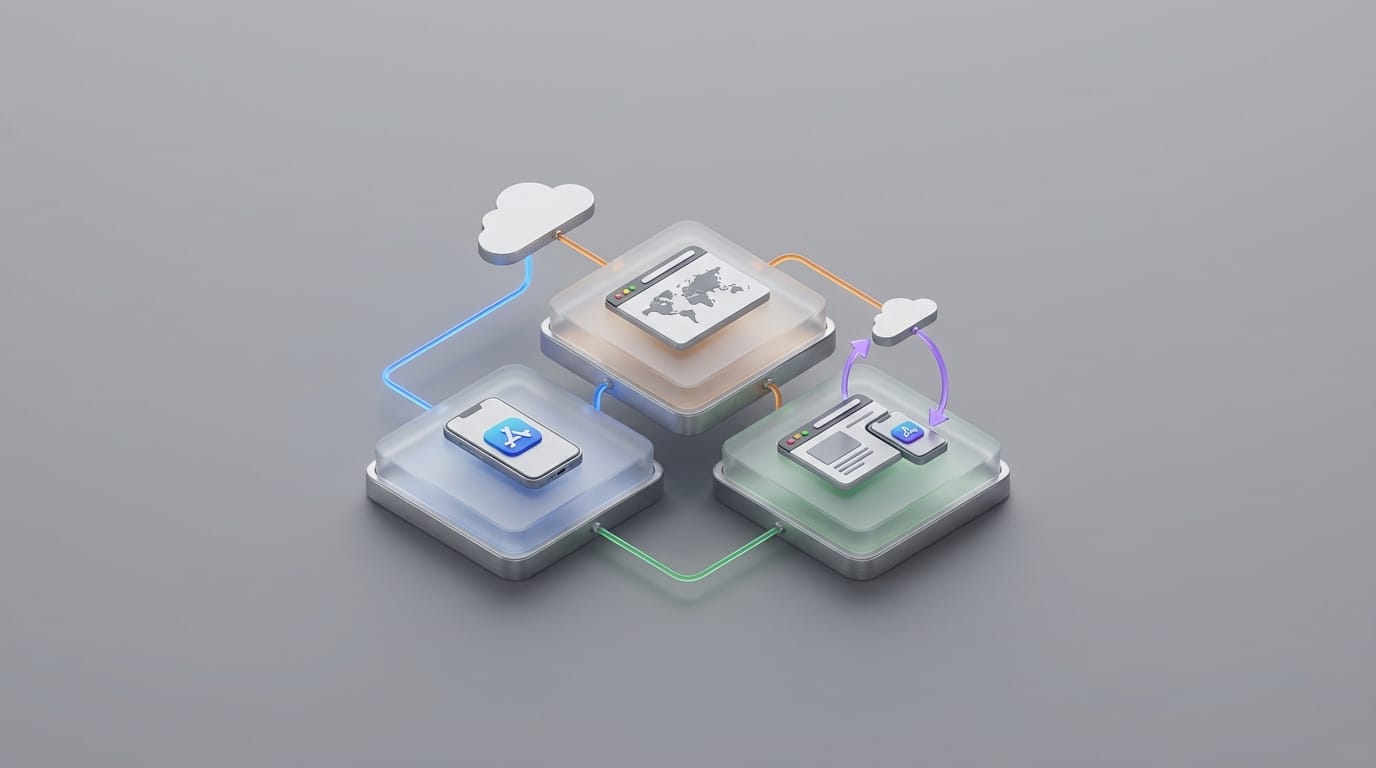
Users do not just make a technical choice; they choose how much friction they want in their daily journey. Some tools belong in your permanent digital environment, while others offer quick utility. By looking at the trade-offs between performance and access, we can see why some brands move away from traditional app stores while others focus on native code. To understand this environment, we must look at where the code runs. In a native mobile app, developers write software specifically for your phone’s operating system. It sits directly on your local storage and uses the phone hardware with maximum efficiency. In contrast, a web application lives entirely inside your browser. You navigate to it via a URL, the server processes the heavy lifting, and your browser shows the interface. This setup represents the ultimate form of cloud-based access. You can find more details on this physical infrastructure in our guide on how the cloud works.
The modern middle ground is the Progressive Web App (PWA). These tools are websites that developers upgrade with extra capabilities. They look like native apps and sit on your home screen, but they still run through the browser engine. They aim to solve app fatigue, which is the reluctance users feel when asked to download a large file for a one-time task. Native apps remain the heavy hitters because they speak the specific language of the phone, such as Swift for iPhones or Kotlin for Android. This direct connection lets the software use the processor with high efficiency. High-end photo editors or games feel fluid because they have a direct line to the hardware.
Choosing Between Mobile apps vs web apps vs pwas for Performance
Native apps remain dominant for demanding tasks because of deep hardware integration. When an app needs your GPS for navigation or the camera for filters, native code provides the lowest latency. This efficiency extends to battery life because native apps use power-saving features more effectively than a general browser. However, this performance requires a storage tax. Native apps are large because they include all the visual assets and code needed to run offline. Recent studies show that 32% of users delete apps to free up storage space. This creates a psychological barrier where users perform digital spring cleaning, often deleting useful apps to make room for photos or system updates. This maintenance remains a vital part of device health, as explained in our article on how software updates protect devices.
Maintenance also creates a burden for the user. Every time a phone receives an operating system update, native apps often need their own updates to stay compatible. From a security standpoint, the App Store and Play Store act as gatekeepers to vet code for malware. For the user, this means a constant cycle of download notifications and the risk of an app breaking on older hardware. We accept this tax because of a local-first philosophy. When you have no signal, a native notes app still opens and saves your data. This reliability comes from having the software’s brain on your device rather than in a distant data center. Beyond speed, native apps access sensors like the accelerometer with more precision, which is vital for health tracking or high-fidelity gaming.
Web applications offer the inverse of the storage tax. You save space but lose some capability. The biggest benefit of a web app is the lack of an installation hurdle. In the digital economy, every extra click reduces the chance a user finishes a task. By using a URL, businesses get users into their system instantly. Modern web apps feel like traditional software because browser engines have improved. Tools like Google Docs prove that complex work can happen in a browser tab. However, browsers sandbox these apps to protect your privacy. A web app cannot read your local files or access Bluetooth without recurring permission. To learn how your browser manages these boundaries, see our guide on browser privacy settings.
The Freedom of Browser Access
The struggle for web applications involves the offline wall. If your internet connection drops, the app often fails to load. While developers find ways to mitigate this, web apps naturally tether to the network. This makes them perfect for office settings with stable connections but less ideal for travel. For small business owners, web apps provide the path of least resistance. You do not have to convince a customer to search an app store; they simply click a link or scan a code. This lowers the cost of finding new customers because the friction of the download disappears. The trade-off makes web apps second-class citizens on your phone. They cannot always send high-priority notifications, and they might feel slower because they run inside the browser rather than directly on the hardware.
Progressive Web Apps attempt to offer the benefits of both worlds. By using a manifest file, a website tells your phone to treat it like an app. When you select the option to add it to your home screen, the phone creates an icon that opens a dedicated window. This creates the illusion of a native app without a heavy download. The results for major brands are significant. For example, the Starbucks PWA is 99% smaller than its native iOS version. Instead of a 150MB download, the PWA uses less than one megabyte. Despite this size, it allows users to browse menus and customize orders offline. Starbucks saw a massive increase in daily orders after launching this lightweight version.
Efficiency Through Modern Caching
Installation without a large footprint benefits users with mid-range phones or limited data plans. In many markets, PWAs are the primary way people use social media. One major social platform saw a 65% increase in pages per session after launching a lite PWA because the app worked on slow networks. The add to home screen feature reduces friction significantly. Once a PWA sits on your home screen, it feels like a native app. It appears in your task switcher and can handle deep links from other apps. This blurs the line for the consumer; if it looks and acts like an app, the underlying technology matters less. PWAs use caching to save the parts of the app you already saw, so they do not download the layout every time you open them. This logic of saving data locally to speed up performance is similar to how write caching works to optimize system speed.
Choosing between mobile apps vs web apps vs pwas is an exercise in identifying your intent. If you visit a store once a month, a PWA or web app is the logical choice. You get the function you need without the storage tax of a permanent download. If you are a power user who relies on an app for daily work or health tracking, the native app’s performance justifies the space it occupies. Small businesses move toward PWAs because they only need to maintain one codebase. Instead of hiring separate teams for different platforms, they build one tool that works for everyone. This reduces costs and ensures users always see the latest version. There is no waiting for a store update; the moment a developer pushes a change, every user receives it.
The app store becomes less of a gatekeeper and more of an option as technology evolves. We are moving toward a world where software adapts to our hardware rather than forcing us to buy specific devices. The true hidden factor for the modern consumer is user friction. We see a survival of the easiest in the digital world. An app that requires a 300MB download and a forced registration often loses to a web-based solution that works instantly. The storage tax becomes more expensive as phones fill up with high-resolution media, making lightweight PWAs more attractive. By recognizing the trade-offs between power and access, you can decide which tools earn a spot on your home screen. Convenience is the currency of the modern software world, and the best app is often the one that gets out of your way the fastest.