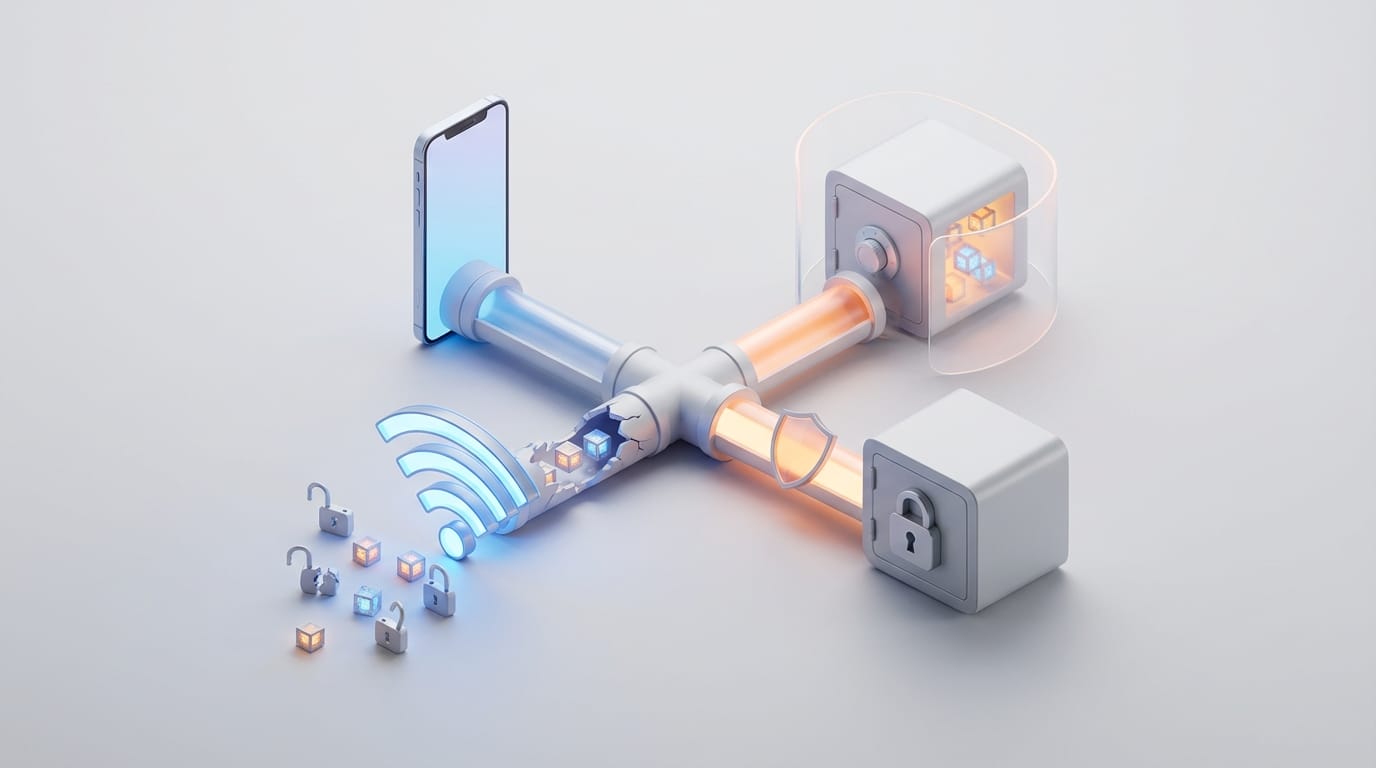
Most users believe their data remains safe if they avoid mobile banking on public networks, but phones constantly leak sensitive information through background synchronization and system-level sharing features the moment they connect. Achieving effective public wi-fi safety for phones requires more than cautious browsing; it involves understanding how modern mobile operating systems manage persistent data. When you join an unencrypted network in a cafe or airport, you essentially step into a shared room where everyone can hear your whispers. Modern mobile devices act as active nodes that constantly exchange authentication tokens and sync cloud assets. This architectural shift means that even if you never open a browser, your device still communicates over the wire and exposes your digital identity to anyone using basic packet-sniffing software.
The danger stems from what your phone does on your behalf rather than your own actions. To secure your mobile presence, you must look beyond the screen and into the underlying protocols that manage your connections. Hardening your device settings and adopting a systematic approach to public networks allows you to mitigate the vast majority of risks associated with free connectivity. Understanding the physical and digital reality of these shared spaces serves as the first step in building a defense that lasts.
The Reality of Connecting to Unsecured Public Networks
Public Wi-Fi networks differ fundamentally from home or office setups because they often lack the layer of encryption that protects data between the device and the router. Home networks use WPA3 or WPA2 encryption to ensure that data remains unreadable even if someone intercepts the radio waves. Many public hotspots lack this airtight seal, leaving your traffic vulnerable to packet sniffing. Attackers use specialized software to capture every byte of data floating through the air, looking for patterns that reveal passwords or personal habits.
How Man-in-the-Middle attacks intercept mobile data
One common threat on open networks is the Man-in-the-Middle (MitM) attack. In this scenario, an attacker positions their device between your smartphone and the internet. Instead of your data going directly to the router, it passes through the attacker’s hardware first. This allows them to see and sometimes modify the information you send and receive. Recent research from Panda Security indicates that nearly 40% of users have experienced security incidents after using public networks, which highlights how prevalent these interceptions have become.
The difference between encrypted and unencrypted hotspots
You can identify the risk level by looking for the padlock icon next to a Wi-Fi name. An unencrypted network has no password and provides no wireless encryption. Even if a network uses a captive portal that requires an email to join, the actual data transmission may still lack protection. You can improve your defense by learning how virtual private networks secure your digital privacy through the creation of an encrypted tunnel that remains intact even on open hotspots.
The Hidden Danger of Background App Synchronization
A common misconception suggests that closing your browser or avoiding sensitive apps keeps you safe. In reality, modern smartphones prioritize continuous connectivity. Apps for email, social media, and cloud storage perform background app synchronization every few minutes to check for updates or push notifications. These processes often exchange session tokens and metadata that an observer on the same network can easily intercept. Because these actions happen without user input, they represent a silent but constant threat to your privacy.
Why closing your browser does not stop data leakage
Apps maintain active sessions using refresh tokens. When your phone wakes up to sync, it transmits these tokens over the network to keep you logged in. If developers fail to implement strict certificate pinning or end-to-end encryption for these specific pings, an attacker could capture the token and hijack your account. This highlights why software updates protect devices; they frequently include patches for apps found to be leaking data during background tasks. Staying current with these updates ensures that your apps use the most secure communication methods available.
Managing auto-sync settings for email and cloud storage
To reduce your attack surface, you should disable auto-sync or background app refresh for non-essential apps when traveling. On iOS, you can find this under the General settings menu, while Android users can limit background data usage within the data usage settings. Forcing apps to wait until you reach a trusted network to sync eliminates the most persistent point of data leakage on your device. This manual control keeps your data on your device until you decide it is safe to send.
System Level Vulnerabilities Beyond the Internet Connection
While the Wi-Fi connection provides the primary path for data, your phone has other radios that can expose your identity in public. Features like AirDrop on Apple devices and Quick Share on Android use a combination of Bluetooth and Wi-Fi Direct to find and connect to nearby hardware. In high-traffic areas like airports or conferences, leaving these features in their most discoverable state creates a significant risk. Attackers can use these signals to identify your device or even attempt to send malicious files directly to your screen.
Risks associated with AirDrop and Quick Share
When you set these features to Everyone, your device constantly broadcasts its name and a cryptographic hash of your phone number or email to strangers. While the transfer itself uses encryption, the discovery phase can leak your identity. Furthermore, attackers have used these features to send disturbing content or malicious links to unsuspecting users. Even settings like “contacts-only” can occasionally be exploited under specific conditions, making it safer to turn these features off entirely when they are not in use.
Why Bluetooth should remain off in high-traffic public areas
Bluetooth is a frequent target for unauthorized pairing and eavesdropping. Certain vulnerabilities allow attackers to remotely hijack accessories to listen to audio or intercept data without any user interaction. If you are not actively using a headset or smartwatch, turning off the Bluetooth radio prevents your device from responding to malicious pairing requests. For users managing complex digital lives, strategies to protect personal data online and offline often begin with these simple radio management habits. Controlling your physical signal is just as important as protecting your digital traffic.
How Attackers Use Evil Twin Networks to Trap Users
Hackers operate fraudulent access points known as Evil Twin hotspots. They set up these hotspots in public places and give them names that users trust, such as “Free Airport Wi-Fi” or “Coffee_Shop_Guest.” Because these names appear common, your phone might connect to them automatically if you joined a similarly named network in the past. Once connected, every bit of data you send flows directly through the attacker’s computer.
Identifying the signs of a spoofed network
Spoofed networks are difficult to identify because they replicate the login pages of legitimate businesses. However, subtle clues can give them away. If a network that usually requires a password suddenly opens without one, or if your browser warns you about an invalid security certificate, you should disconnect immediately. Attackers use these networks to perform SSL stripping, which is a technique that forces your browser to use the unencrypted version of a site instead of the secure version. This makes your login credentials visible to the person running the hotspot.
The danger of common network names
Many public spaces use official Wi-Fi providers, but hackers take advantage of the fact that users rarely verify the exact SSID. If you see multiple networks with nearly identical names, treat it as a red flag. Always check with staff or look for posted signs to confirm the correct network name. If you find yourself frequently targeted by such scams, learning how to recognize phishing scams can help you identify the social engineering tactics used to lure you into these malicious traps.
Effective public wi-fi safety for phones through configuration
Hardening your device network settings serves as the most effective long-term strategy for public wi-fi safety for phones. Both iOS and Android include features specifically designed to combat tracking and interception. By spending a few minutes in your settings menu, you can significantly increase the difficulty for any potential attacker. These changes act as a structural defense that works in the background to keep your identity private.
- Disable Auto-Join: Stop your phone from connecting to known open networks without your permission. This prevents your phone from joining an Evil Twin while it stays in your pocket.
- Use MAC Randomization: When you enable Private Wi-Fi Address on iOS or Randomized MAC on Android, your phone generates a fake hardware address for each network. This prevents companies and hackers from tracking your movements across different locations.
- Enable Private DNS: Use a secure DNS provider like Cloudflare or Google. This ensures that your web requests remain encrypted, preventing the network owner from seeing which websites you visit.
These settings provide a foundation for security. Just as fixing smart home connection issues requires looking at the patterns that break automation, fixing mobile security requires looking at the default patterns that compromise privacy. Changing these defaults moves you from a passive user to an active defender of your own data.
The Role of VPNs and HTTPS in Protecting Mobile Traffic
Even if a network is hostile, you can protect your data by adding your own layer of encryption. The two most powerful tools for this are a Virtual Private Network (VPN) and the HTTPS protocol. While HTTPS protects the specific data you send to a website, a VPN protects all data leaving your device, including the traffic from your background apps. This comprehensive coverage is essential for maintaining public wi-fi safety for phones.
A mobile VPN creates a secure tunnel from your phone to a trusted server. All your traffic is encrypted before it hits the local Wi-Fi router. This makes packet sniffing useless for an attacker because they only see a stream of garbled data. Ensure your VPN stays set to “Always On” so that it connects before any background sync occurs. According to the Verizon Mobile Security Index, data loss remains a top concern, yet users often forget that a VPN must be active before the first byte of data leaves the phone.
Furthermore, ensure your mobile browser uses HTTPS-Only mode. This prevents the browser from loading unencrypted versions of websites. If you use professional tools, choose modern collaboration tools that prioritize end-to-end encryption for all shared documents and communications. These tools ensure that your work remains private regardless of the network you use.
Immediate Steps to Take if You Suspect a Data Breach
If you notice your phone behaving strangely, such as unexplained battery drain, unexpected pop-ups, or security alerts, you may have been compromised on a public network. The speed of your response determines how much damage an attacker can do. You must immediately sever the connection and reset your digital boundaries to prevent further access to your accounts. First, forget the network in your settings so your device will not reconnect automatically. Next, put your phone in Airplane Mode to stop all wireless communication.
Once you reach a known secure connection, clear your browser cache and cookies. Check your account login history for any unauthorized sessions and change your passwords for any sensitive accounts you accessed while on the public network. In these situations, using dedicated password managers becomes invaluable. They allow you to quickly generate and update complex passwords across all your services without needing to memorize them. Treating every public network as a potentially hostile environment moves you toward a state of active defense, ensuring your digital life remains private and secure.