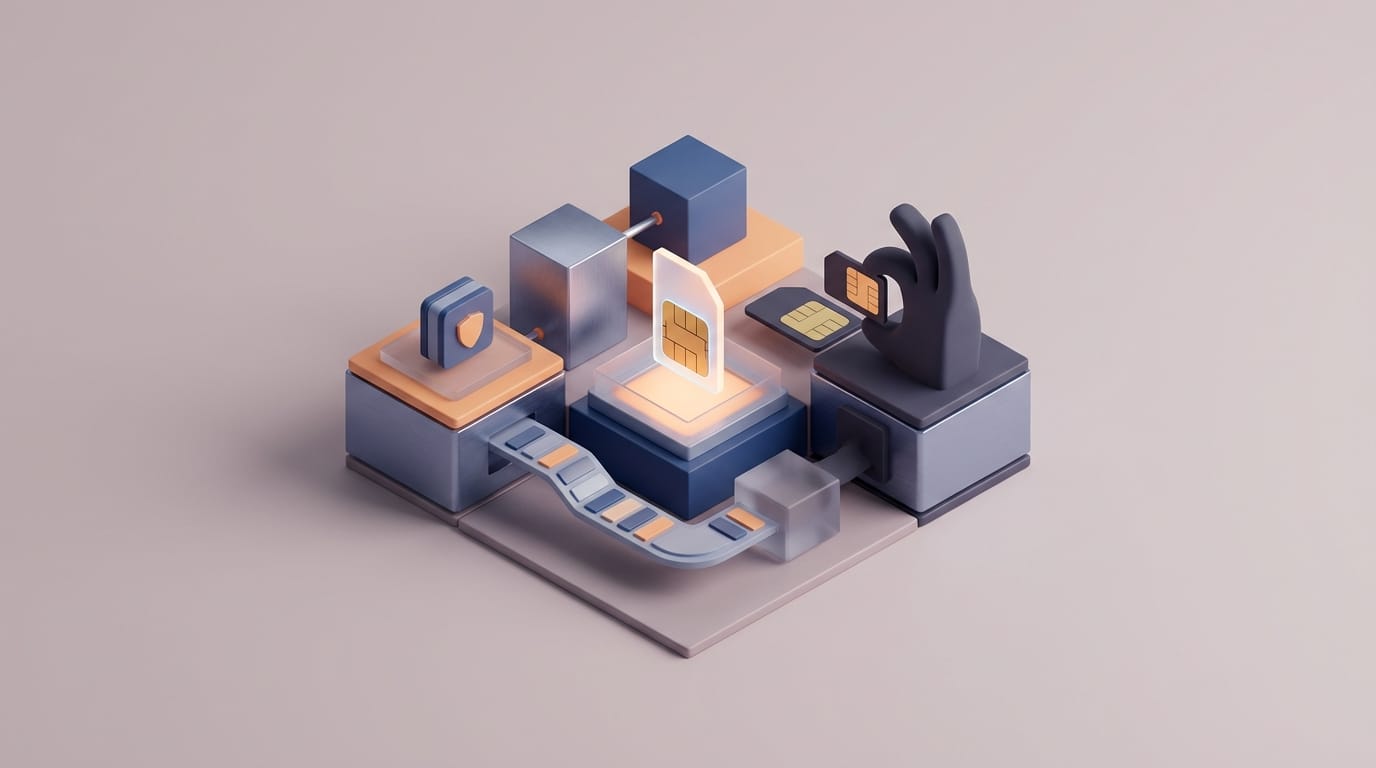
The Mechanism of a SIM Swap Attack
Your mobile signal drops. It might not be a network outage. An attacker might be stealing your digital identity. This process is called sim swapping. You must understand how it works if you use a phone number for account recovery. This attack targets the carrier systems. It does not target your phone hardware.
The Role of the International Mobile Subscriber Identity
A SIM card is a tiny computer. It stores a unique code called the IMSI. This code tells the network which device owns a phone number. The network sends calls and texts based on this code. Think of your SIM card like a house key. The carrier keeps a list of which key opens which door. Your phone number is the door. The IMSI is the key. The network uses this list to send your data to the right place.
The card is a physical key. But people lose phones often. They also buy new devices. Carriers must have a way to move a number to a new card. This is a helpful service. But it also creates a big risk. An attacker does not need your physical card. They only need to trick the carrier. They want the carrier to link your number to their new card.
How Attackers Impersonate Victims to Mobile Carriers
The process of sim swapping starts with social engineering. Attackers find your data in leaks. They look at your social media. They learn your name and address. They might find the last four digits of your Social Security number. Then they contact your mobile carrier. They might call support or visit a store.
The attacker pretends to be you. They say they lost their phone. They might say the card is broken. They use your leaked data to prove they are “you.” The clerk believes them. The clerk updates the record. Your phone loses its signal. The attacker’s device starts getting your calls. They now get your private text messages too.
The Vulnerability of the Telecom Infrastructure
We think of phone companies as secure. But their stores focus on sales. They want to help customers fast. This focus creates a weak spot. It is hard to fix this with simple settings. The system itself has flaws.
The Limitation of Carrier-Side Security PINs
Most carriers offer a security PIN. You might call it a Transfer PIN. This should stop a swap. But managers can often skip these PINs. A store clerk might ignore the PIN if the “customer” is upset. They might help a person who “forgot” the code. This makes the PIN a small hurdle. It does not stop a person who tries hard to trick the clerk.
The Reality of Insider Threats and Retail Employee Bribery
The biggest risk is the human element. Some workers at phone stores take bribes. These workers have access to the carrier tools. They can swap a number in seconds. They do not need to ask security questions. They ignore every PIN you set up. In these cases, your phone security does not matter. The attack happens inside the company. You cannot prevent this with a setting on your device. You must look for a new way to stay safe.
Why SMS-Based Authentication Creates a Single Point of Failure
A stolen phone number is a major crisis. The danger is not the lost service. The danger is the accounts tied to that number. Many sites use SMS to verify your identity. This used to be a good plan. Now it is a primary way to steal accounts. Your number has become a master key to your digital life.
How Attackers Use Hijacked Numbers to Reset Account Passwords
An attacker takes your phone number. Then they go to your bank or email site. They click the link to reset your password. Most sites send a code to your phone. The attacker gets the code. They use it to change your password. They lock you out of your account. This is a recovery loop. Your strong password does not matter. If a site resets a password via text, the thief wins.
The Problem with Mobile Numbers as a Primary Identity Layer
Using a phone number for ID is a bad idea. SMS was never built for security. These messages are not secret. Carriers store them in plain text. Hackers can even intercept them through network holes. This is very dangerous for people with cryptocurrency. Those trades cannot be reversed. A thief can drain a digital wallet in minutes. You cannot get that money back. The system is too fragile for big assets.
Defensive Strategies Beyond Mobile Settings
You must separate your security from your phone number. Stop using “something you have” as a number. Use a dedicated tool instead. Move to a special app or a physical key. This keeps your accounts safe even if someone steals your number.
Transitioning from SMS to App-Based Authenticators
The first step is to turn off SMS security. Use an app instead. These apps make codes on your phone. They do not need the cellular network. If an attacker performs sim swapping, they still fail. They cannot see the codes on your app. The secret key stays on your physical phone hardware.
- Google Authenticator: This app is simple. Most sites support it.
- Authy: This app offers backups. Be careful with the multi-device tool. It might use SMS for recovery.
- Microsoft Authenticator: This is a good choice for work accounts.
Implementing Hardware Security Keys for Fail-Safe Protection
Hardware keys are the best defense against sim swapping. These are small physical tools. You can buy them from Yubico. You must touch the key to log in. These keys use complex math. They do not send codes through the air. An attacker might have your password and your phone number. They still cannot log in. They do not have the physical key in their hand. This is the best upgrade for your security.
Risk Mitigation for Enterprise and High-Value Individuals
High-risk people need a better plan. You must hide your main mobile number. Do not give it to every website. This reduces the chance of an attack. You should treat your phone number like a secret.
Using VoIP Numbers for External Communications
Use a VoIP number for public tasks. This is a digital phone number. You can get one from Google Voice. These numbers do not use a SIM card. A thief cannot swap them at a retail store. You protect this number with your main account. If you secure that account with a physical key, the number is safe. This breaks the link to the local phone store.
Carrier-Level Account Locks and High-Security Designations
Some carriers have an Account Lockdown tool. This should require more proof to make changes. Rogue workers can still skip these. But they stop low-level thieves. Call your carrier. Ask them to put a “No Changes” note on your account. Tell them you must show a photo ID in a specific store for any move. You should also check your accounts. Remove your phone number from any site that allows it. Use your app or key instead.
Incident Response for Suspected SIM Hijacking
Act fast if your phone says “No Service.” Treat it like an active sim swapping event. Time is very important. You only have a few minutes to save your data. Do not wait for the signal to come back.
Immediate Steps to Take When Mobile Service Drops
The first 15 minutes are the most important. Use a different device right away. Log into your email and bank. Change your passwords. Look for active sessions. Click the button to log out of all other devices. This kicks the thief off your account. Then call the fraud team at your phone company. Tell them someone stole your number. This flags the change in their system.
Securing Secondary Accounts After a Number is Regained
The work is not done when you get your number back. Assume the thief touched every account. Check your email settings. Thieves set up “forwarding” rules. They do this to hide their emails from you. Look at your bank records. Search for small test charges. Remove any new app permissions. The mobile system is built for ease, not safety. Move your security to hardware and apps. This keeps you in control of your digital life.