How to Organize Your Life with Notion Using Five Simple Blocks
People often quit Notion when they get lost in complex databases, but you only need five basic blocks to organize your life with notion effectively. When you first open a blank page, the pressure to build a complex system can feel heavy. The secret to a lasting system is not technical skill; it is using the same simple logic you would use with a physical notebook. By focusing on a few basic parts, you can create a workspace that stays flexible and easy to manage. This method focuses on what you see and do every day rather than hidden formulas. Downloaded templates often fail because they match the creator’s brain instead of yours, so building from scratch ensures the layout follows your own thoughts.
Why Simple Blocks Outperform Complex Notion Templates
New users often make the mistake of over-engineering their workspace. It is tempting to build a massive database for every book you read or every meal you cook, but each extra layer adds friction. Data from Onehouse shows that Notion’s data scale doubles quickly, which shows how fast digital clutter can grow. When a system takes more work to maintain than the tasks it tracks, you will eventually stop using it.
The trap of over-engineering your workspace
Complex templates often rely on database relations and rollups that require several clicks to add one note. This creates a mental wall. If you must navigate through three pages to record a grocery item, you might just write it on a scrap of paper or forget it entirely. Simple blocks allow for quick capture, where information moves from your head to the screen without any pushback. A lean system ensures that your tools help you work instead of becoming the work itself.
Visual hierarchy versus technical complexity
A good workspace uses visual order to guide your eyes to what matters most. Instead of using a database to filter high priority tasks, you can simply place important items at the top of a page in a larger font or a bright color. This approach helps you digitalize daily tasks and build a smarter workflow by keeping everything visible. Using the space on the page rather than hidden settings keeps the system honest. If a page looks messy, you know you have too much to do; databases can hide that mess behind tabs, which leads to a false sense of control.
The Only Five Blocks You Need to Organize Your Life with Notion
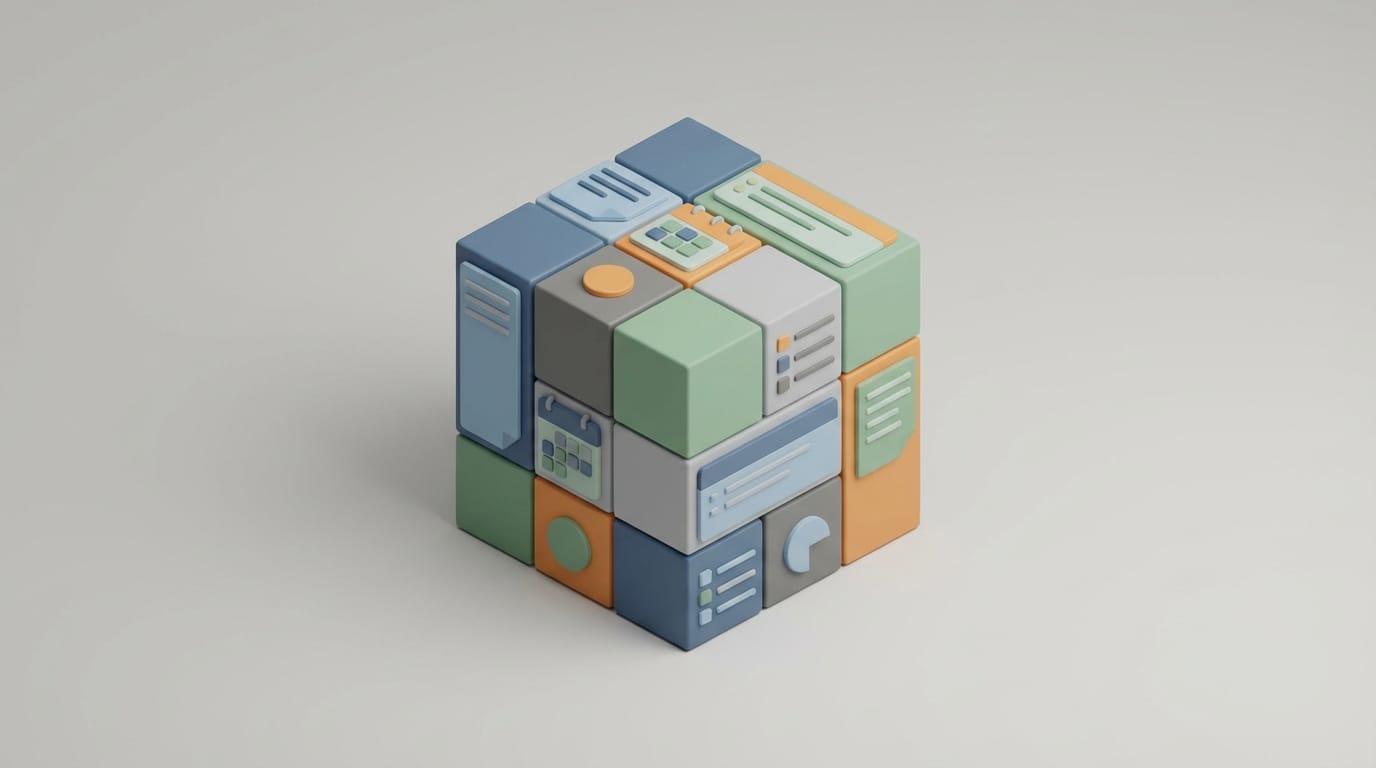
You can reach almost all of your personal organization goals using just five blocks: Text, To-do, Toggle, Header, and Divider. Think of these as the building blocks of the digital world. Learning how to use them allows you to build any layout without needing deep technical knowledge.
Structuring thoughts with Headers and Dividers
Header blocks are your main tools for logic. Use the first header for the title of your day, the second for main categories like work or home, and the third for specific tasks. When you combine these with the divider block, you create clear zones on the page. These zones act as boundaries for your mind, helping you separate your morning routine from your afternoon meetings. A clear visual split prevents your eyes from getting tired while you scroll through your notes.
Managing action items with To-do lists
The To-do block drives your productivity. While databases track status, a simple checkbox provides a quick sense of progress. You can use these for everything from big goals to a systematic decluttering guide for your house. The key is to keep them visible at all times. If you finish a task, check it off; if a task no longer matters, delete it. Keeping your list current prevents it from becoming a source of stress.
Reducing visual noise with Toggles
The Toggle is a powerful feature for mental clarity because it lets you hide information inside a clickable arrow. You can keep long term goals on your daily page but hide them so they do not distract you while you focus on today’s chores. This method shows information only when you need it, which keeps your workspace clean. By hiding the details of future projects, you reduce the mental load of seeing too many items at once.
Building a Daily Dashboard Without Using Databases
A dashboard is just a landing page that gives you an overview of your world. You do not need a complex command center to do this well. You can build a great one in five minutes by using columns. To create columns, click and hold the handle next to any block and drag it to the far right of another block. A blue vertical line will show you where the new column will go. This allows you to set up a side-by-side layout that makes better use of your screen space.
A common layout includes two main areas:
- Left Column: Your daily to-do list and a space for new ideas.
- Right Column: A reference area with links to your most used pages, like a meal planner or a gym log.
This layout keeps your frequent actions on the left and your reference material on the right. By avoiding databases here, the page loads instantly on your phone and computer. Fast loading times are vital for managing list paralysis and supporting executive function. When your dashboard opens quickly, you are more likely to use it throughout the day.
Organizing Projects Through Page Nesting
Many users try to put everything on one long page, but this leads to endless scrolling. Others try to use folders, which can feel too stiff. Notion uses page nesting, which is a more natural way to group information. A page block is just another block that you can place anywhere. Creating a sub-page allows you to build a path for your information. For example, inside your home section, you might have a page for renovations, and inside that, a page for bathroom ideas. This creates a focused experience where you only see the details when you need them. Notion provides breadcrumbs at the top of the screen so you always know where you are in your system.
Practical Layouts to Organize Your Life with Notion
If you want to organize your life with notion without the headache, start with these two simple layouts. They do not require any automation or complex math. They rely on the basic blocks you already know how to use.
The simple weekly meal planner
Create a page and make seven headers for the days of the week. Under each day, use a text block to write the meal name. Below that, add a toggle named ingredients and put a to-do list inside it. When you go to the store, you can open the toggles for the meals you are making and check off the items as you find them. This is faster and more reliable than any automated grocery list because it is easy to update on the fly.
A streamlined habit tracker
Instead of a complex grid, use a single to-do list at the top of your dashboard. Call it morning ritual and include items like drinking water or meditation. At the end of the day, uncheck the boxes so they are ready for tomorrow. If you want to see your progress over time, you can drag these lists into a history toggle at the end of each week. This manual reset takes less than a minute but keeps you focused on your habits. Research shows that tech users often prefer manual tracking for personal goals because it increases mindfulness.
Maintaining Your Notion System for Success
Digital organization is like a garden because it requires regular weeding. Even the simplest system will fail if it becomes a graveyard for old notes. The most successful users perform a quick reset every night. Clear out your checkmarks, delete the quick notes you already handled, and move lingering tasks to the next day. This ensures that when you open Notion tomorrow, you see a clean slate rather than a pile of yesterday’s unfinished work. If you find yourself ignoring a certain section of your page, delete it. If you are not using it, it is not helping you.
You might eventually find that you do need a database to organize your life with notion more deeply. The sign is simple: you find yourself sorting the same information over and over by hand. For example, if you have fifty book reviews and want to see only the science fiction ones, a database with a genre tag makes sense. However, wait until you reach that point of real need. Most people can manage their entire lives using nothing more than headers, toggles, and checkboxes. By treating Notion as a digital canvas rather than a software project, you remove the barriers to getting started.
The goal of any system is to free your mind, not to give it more work. When you organize your life with notion using basic blocks, you create a workspace that grows with you. This simple setup ensures that your digital tools remain quiet partners in your daily routine. The next time you feel stuck on a complex template, delete the page and start with one header. Write down the one thing you need to do today, and you have already begun.