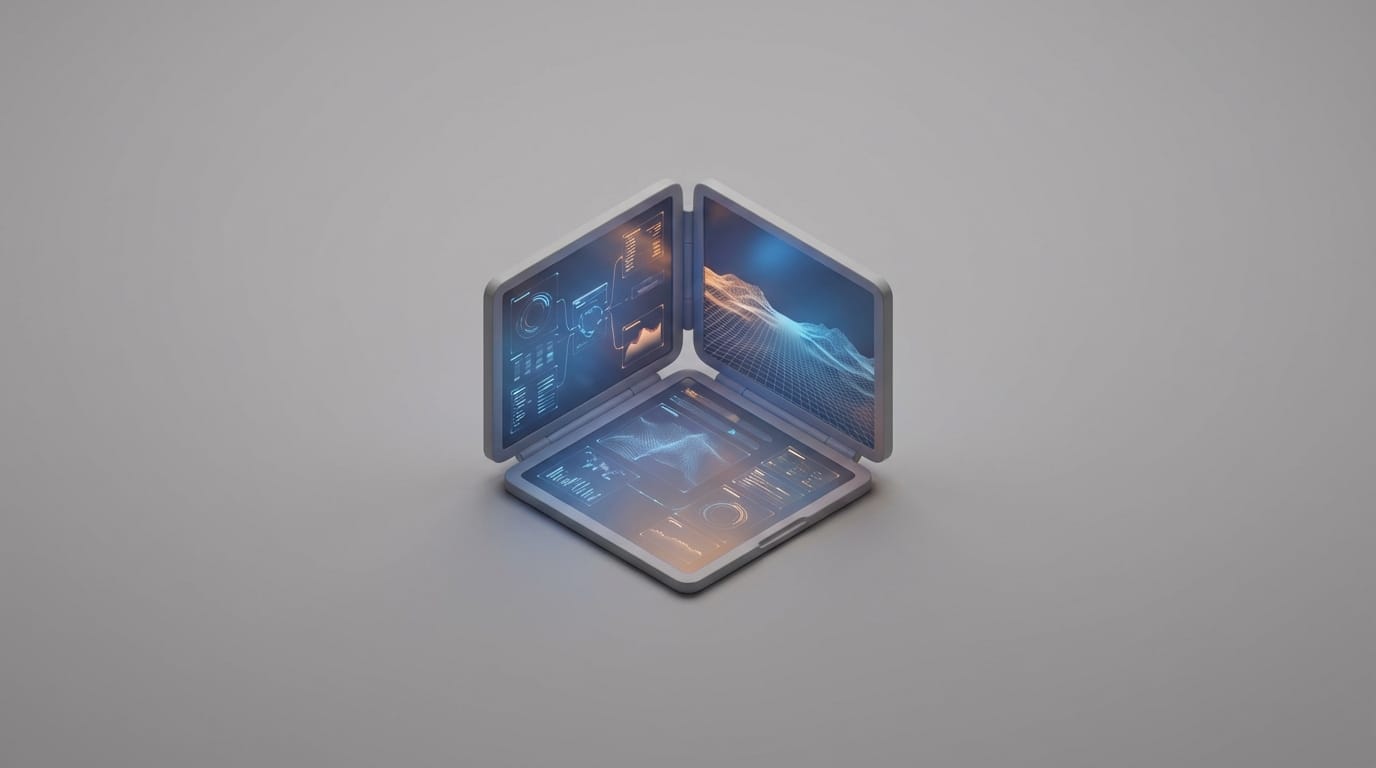
Most users view dual-screen laptops as high-end novelties, but their true value lies in fixing the ergonomic failures and cable clutter found in the portable monitor market. Traditional clamshell designs have reached a natural limit for how much information they can show at once. Because of this, the industry is moving toward integrated multi-panel systems to solve the productivity crisis facing mobile workers. These devices are transitioning from specialty tools for creative professionals into standard equipment for remote employees who need more workspace without carrying extra bags.
The core problem with current mobile setups is not a lack of processing power, but a lack of visibility. Engineers have spent decades making chips faster, yet the physical interface remains a bottleneck. When a user constantly switches between windows, the mental effort required reduces focus and increases the chance of making mistakes. High-performance dual-screen laptops address this by providing a unified solution that allows for complex multitasking without the instability of external parts. This hardware integration ensures that the user can see everything they need without the friction of clicking back and forth between hidden applications.
The Evolution of Laptop Form Factors Beyond the Clamshell
From secondary touch strips to dual full-size panels
The journey toward multi-panel mobile computing began with small experiments like the Apple Touch Bar or the original ASUS ScreenPad. These early versions were mostly helpful additions that offered shortcuts rather than a real expansion of the workspace. However, as on-device AI hardware improves PC efficiency, the demand for more visual space has pushed makers to replace the keyboard area with a second display. This change marks a basic shift from the fixed screen-to-keyboard ratio that has defined the laptop since the early 1990s. By using the entire footprint of the device for pixels, manufacturers are finally moving away from a design that was originally dictated by the physical size of mechanical keys.
The cognitive cost of single-screen multitasking constraints
Standard clamshell designs hit a wall because they force the human brain to manage a hidden state. When a user hides a reference document to write a report, they must rely on short-term memory to keep track of the data they just saw. This mental load creates a lag in productivity. Research indicates that dual-screen setups can boost output by up to 20% by cutting down the time spent switching between apps, according to industry analysis by Morostron. For those who handle large amounts of data, a single screen is no longer just a small limit; it is a measurable drain on how much work they can finish in a day.
Analyzing Modern Dual-Screen Architectural Approaches
Independent panel hinge systems vs flexible OLED displays
There are two main ways designers build these systems today. The first approach uses two separate panels connected by a specialized hinge. This method focuses on durability and lower costs since rigid glass panels are less likely to crease or break compared to folding screens. The second approach uses one continuous flexible OLED display that folds in the middle. While folding screens offer a smooth visual experience without a gap in the center, they often cost much more and require careful handling. Users must be cautious about dust or pressure that could damage the soft screen surface over thousands of uses.
The shift from auxiliary touchpads to secondary workspaces
Modern design is moving toward using the entire bottom half of the laptop as a second workspace. This requires packing components tightly because the motherboard, battery, and cooling fans must be moved or made thinner to make room for the extra screen. Some designs now use a tri-fold method that extends into a vertical 18-inch space, according to technical specifications from GPD. This layout increases vertical space, which is often more helpful for programmers and writers than extra width. It allows a developer to see hundreds of lines of code at once while keeping their tools visible at the bottom.
Why Integrated Dual-Screen Laptops Outperform Portable Monitors
A major reason for the rise of this market is that these machines are not just competing with other laptops. They are replacing the need for portable monitors. Anyone who has tried to set up a mobile office in a small space knows the frustration of slow screen response and the mess of cables needed to connect a second monitor. Integrated designs fix these issues by building the second screen directly into the frame. This ensures the connection is fast and the power comes from the main battery without needing extra cords that can break or get lost.
Stability is another advantage that people often overlook. External monitors are known for being wobbly and often require a perfectly flat, large table to stay upright. An integrated system allows for a unified power plan where both screens work together to save battery. This also makes it easier to install software updates that improve stability for both displays at the same time. Instead of hoping a generic driver works with a third-party monitor, the laptop handles everything as one single unit, which leads to fewer crashes and a more reliable experience during important meetings.
Technical Obstacles in High-Performance Dual-Panel Systems
Thermal management in reduced internal volume environments
Adding a second display creates a big heat problem. The screen acts like a layer of insulation that traps heat made by the processor. To fix this, engineers use advanced cooling tools like thin carbon sheets to spread the heat out. Some brands put a heat shield between the motherboard and the screen to keep the laptop from slowing down when it gets too hot. Keeping these parts cool is vital, especially when users are using AI graphics upscaling for heavy visual work. Without proper cooling, the high temperatures could shorten the life of the screen pixels or cause the battery to wear out faster.
Energy density requirements for high-refresh secondary displays
Running two high-quality screens is the biggest threat to battery life. Driving two 2.8K panels at fast speeds can drain a standard battery in just a few hours. Manufacturers are fixing this by using technology that changes the screen speed based on what the user is doing. If you are just reading text, the screen slows down to save power. When you move a window, it speeds back up. To keep the laptop light while using a bigger battery, companies use materials like magnesium and carbon fiber. This allows the device to stay thin and portable while still having enough power to last through a full workday.
Software Optimization and the Interface Compatibility Gap
Operating system window management limitations
The hardware is currently moving faster than the software. Most computer operating systems were not originally built to handle the strange shapes and stacked layouts of dual-screen laptops. While software has improved, it still sometimes struggles to know when a physical keyboard is attached or when the user wants to use the whole screen area. Users often see windows jump to the wrong spot or look too big or too small when they change how they are using the device. This creates a learning curve where the user has to figure out how to arrange their workspace manually.
Proprietary firmware solutions for smooth screen spanning
To fix these software gaps, makers create their own tools to help windows move between screens. These tools allow for gestures, such as tapping with five fingers to stretch a window across both panels. They also provide virtual keyboards that vibrate when you type to make it feel more natural. This custom software is helpful for digitalizing daily tasks efficiently, but it means every brand has its own way of doing things. Until the main operating systems build these features in, users will have to rely on these brand-specific tools to get the most out of their extra screen space.
Quantifying Professional ROI Across Key Workflows
Streamlining timeline-based editing and content creation
For people who create videos or art, the value of a second screen is clear immediately. In video editing, you can put the timeline on the bottom screen and the full-size video preview on the top. This setup feels like a professional studio but fits inside a backpack. The market for these devices is growing quickly, according to Straits Research, because professionals want to take their full workspace with them when they travel. By removing the need for a desk with multiple monitors, these laptops allow creative work to happen anywhere from a plane to a hotel room.
Reducing context-switching latency in software development
Software developers use the vertical layout to keep instructions or chat windows open on one screen while they write code on the other. This stops the “mental lag” that happens when a coder has to hunt for a specific window among dozens of open tabs. By mimicking a home office setup with multiple monitors, these laptops help remote workers stay productive. A developer can debug code on the bottom panel while seeing the live results on the top. This creates a flow where the user never has to stop what they are doing to find information, which leads to faster work and fewer mistakes.
The Future Viability of the Integrated Dual-Screen Market
The main thing stopping people from buying these laptops today is the price. However, prices will drop as it becomes easier and cheaper to make the thin screens required. Since standard laptops all look and act very similar now, the second screen is becoming the best way for brands to stand out. Companies are looking for ways to give their employees more power in a portable package, and a second screen is a clear upgrade that people can understand and use immediately.
We will likely see a shift where these devices move from being expensive luxuries to standard tools for office workers who deal with a lot of data. As parts become more common, the price difference between a high-end single-screen laptop and a dual-screen model will get smaller. Eventually, it may be cheaper for a company to buy one of these laptops than to buy a standard laptop plus an extra monitor and all the cables needed to connect them. This shift will change how IT departments buy equipment, focusing on all-in-one tools that are easier to support and harder to break.
Adding a second screen is more than just a fancy upgrade; it is a complete rethink of how we use computers. By integrating everything into one device instead of relying on accessories, dual-screen laptops are changing what a portable workstation can do. The system works because it recognizes a simple fact: we have more information to process than a small rectangle can show us. The challenge for the next few years will be for software to catch up to the new physical reality of these devices, making the transition between screens even smoother for the average user.